You do not need to know scales or chords to start. Kiwisonic keeps you in key, shows you what sounds good next, and lets you learn by listening. Pick a genre and you are composing in minutes.
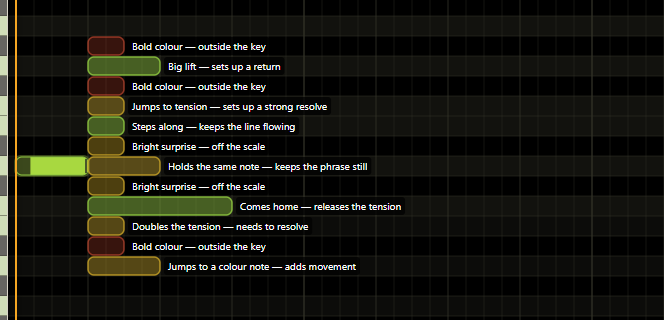
A melody is just one note after another. When you are not sure which note to pick, turn on suggestions. A small set of options appears right where you are working, each one coloured and labelled in plain words. Green is a strong choice, amber is a fair one, red is a weak one. Red still appears, because the colour is advice rather than a rule. You listen, and you choose.
You write notes by clicking on a grid: click to add a note, drag it to move it, drag its edge to make it longer or shorter. The notes that belong to your key are bright, and the ones that do not are dimmed. You can still use any note you want, but the grid quietly keeps you on safe ground while you find your way.
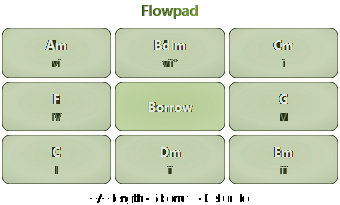
Chords are the backing that a melody sits on. The FlowPad lays out every chord that fits your key on a 3 by 3 grid, shaped like a numpad. Press a number to add a chord. After each one, the grid colours the others to show what follows well: green is a smooth, common move, yellow adds colour, red builds tension. You pick by ear, and the colours guide you.
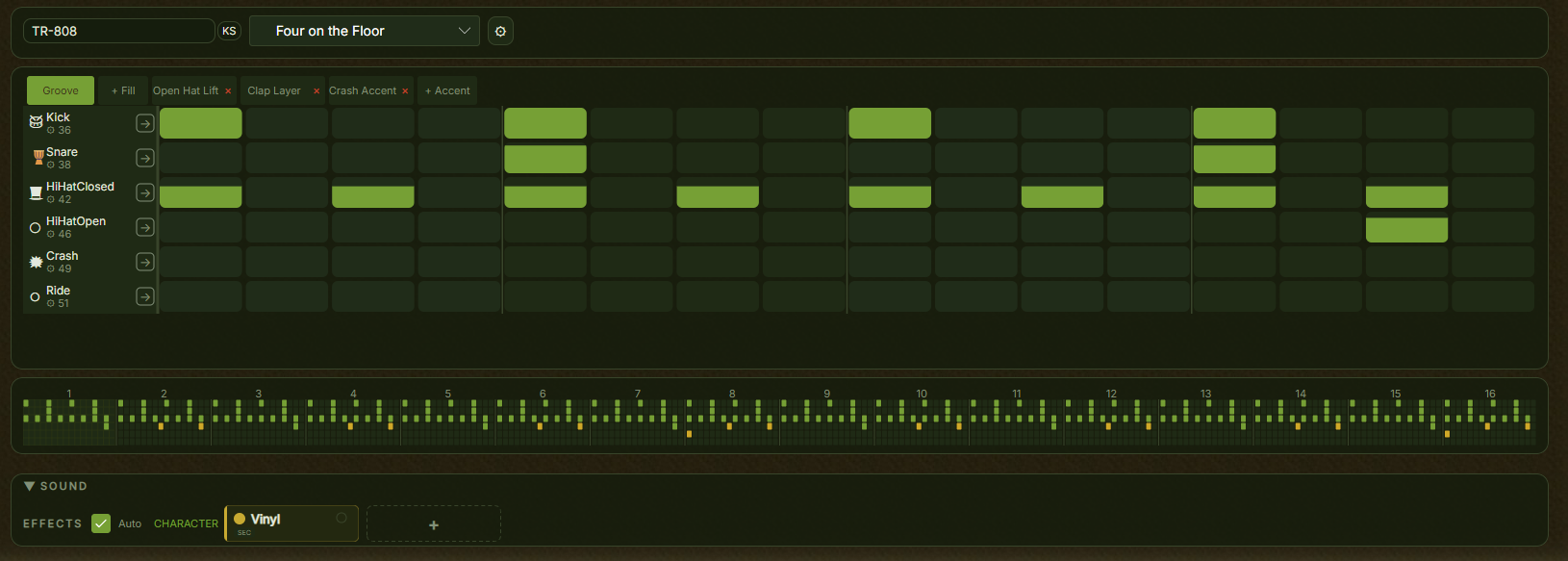
The drum editor is a grid of buttons, one row per drum sound. Click a cell to place a hit, and the row repeats to make a beat. There is nothing to tune and nothing to learn first: try a kick on every beat, scatter some hi-hats above it, and you have a groove.
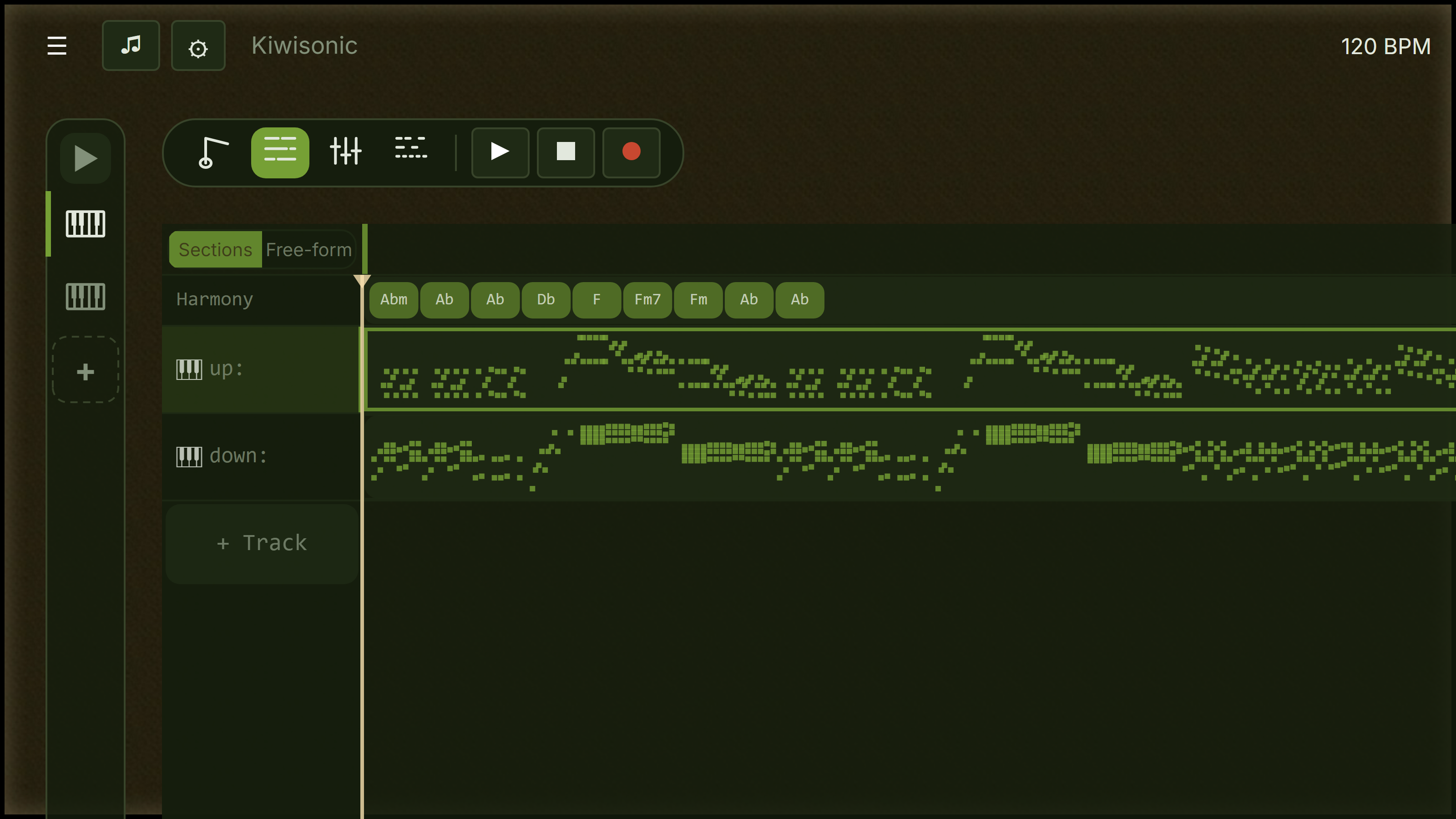
A song has parts: an intro, a verse, a chorus. In Kiwisonic those parts are sections in a grid, with the sections along the top and your instruments down the side. Fill in the squares. Each section can play something different, so your chorus can lift away from your verse, and the shape of the whole song stays in front of you the whole time.
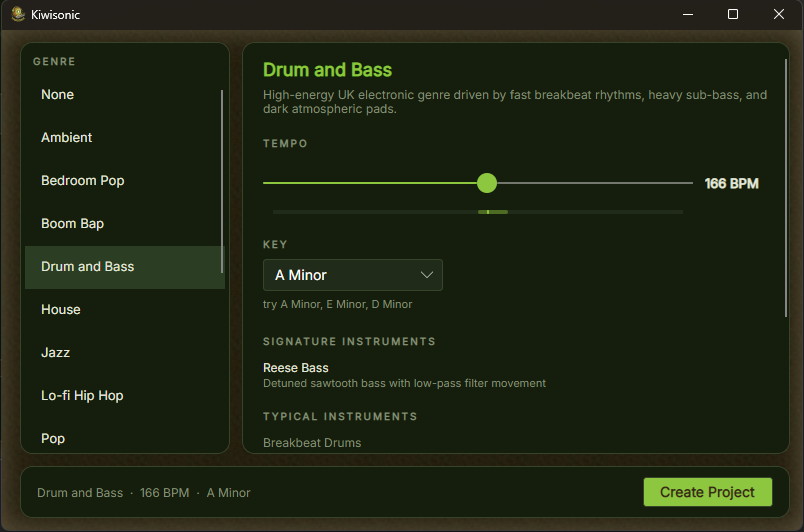
When you make a new project you choose a genre, and Kiwisonic sets the scale, the kinds of chords, and a starting set of instruments to match. The instruments are ready the moment you launch, with nothing to install and, on most of them, nothing to set: an electric piano, and the TR-808 and TR-909 drum machines.
Free during early preview. Windows 10 / 11. No payment, no account required. When the basics feel easy, the full guide shows what is next.
Download Kiwisonic