Each feature helps you write music. Here is what you get and how it works.
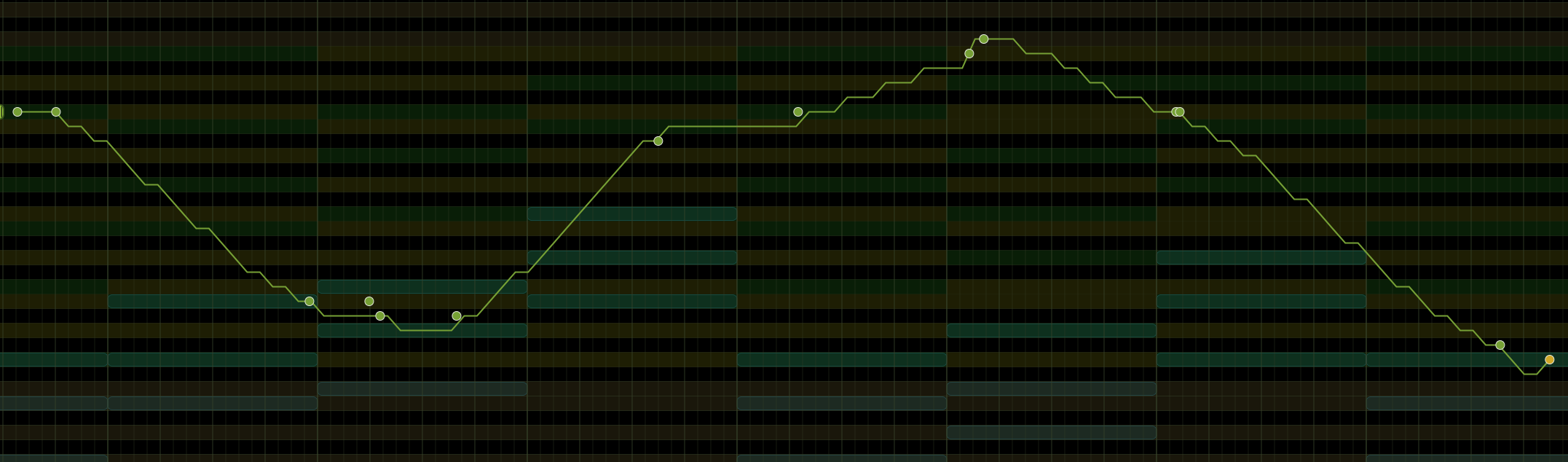
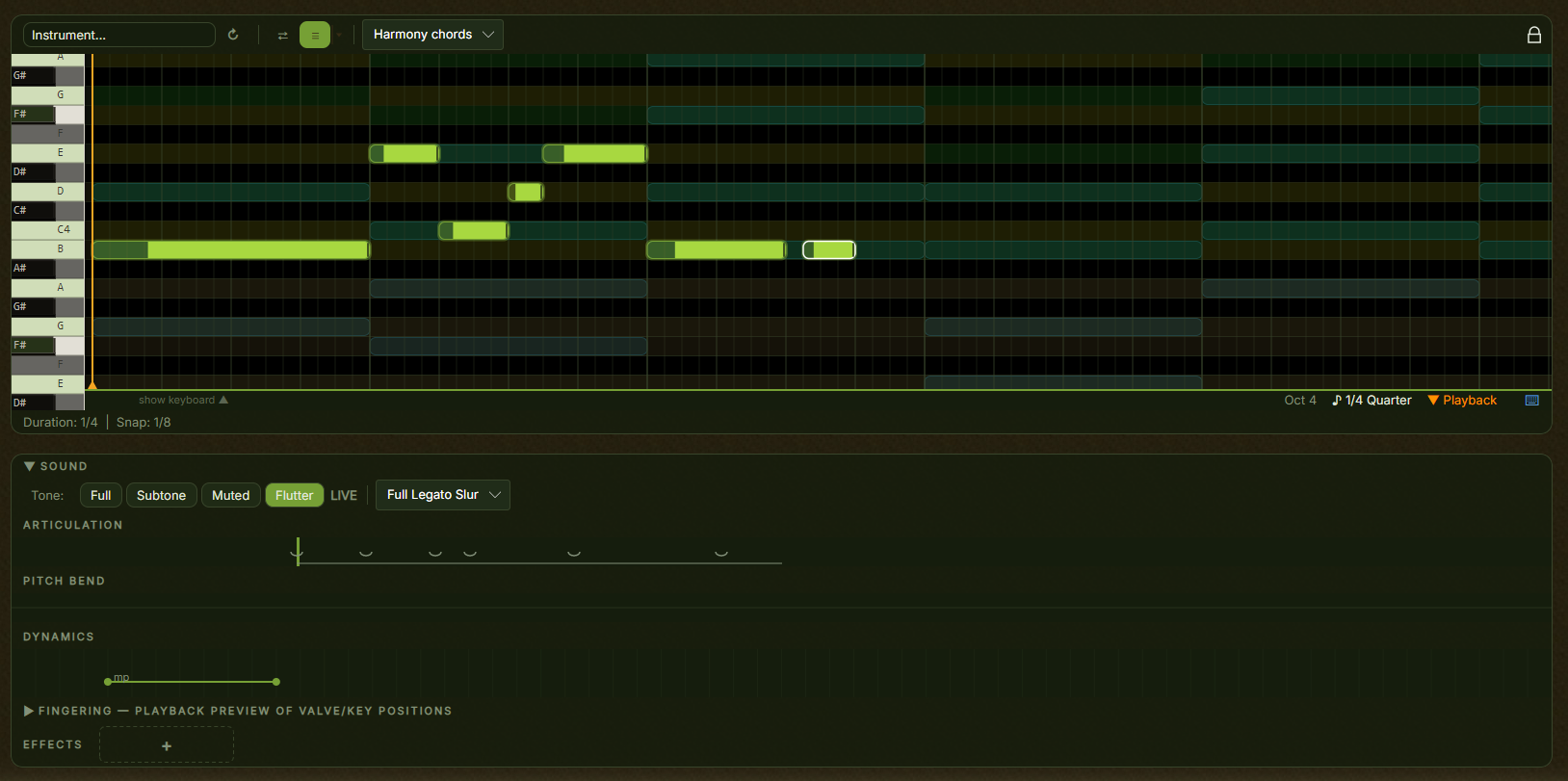
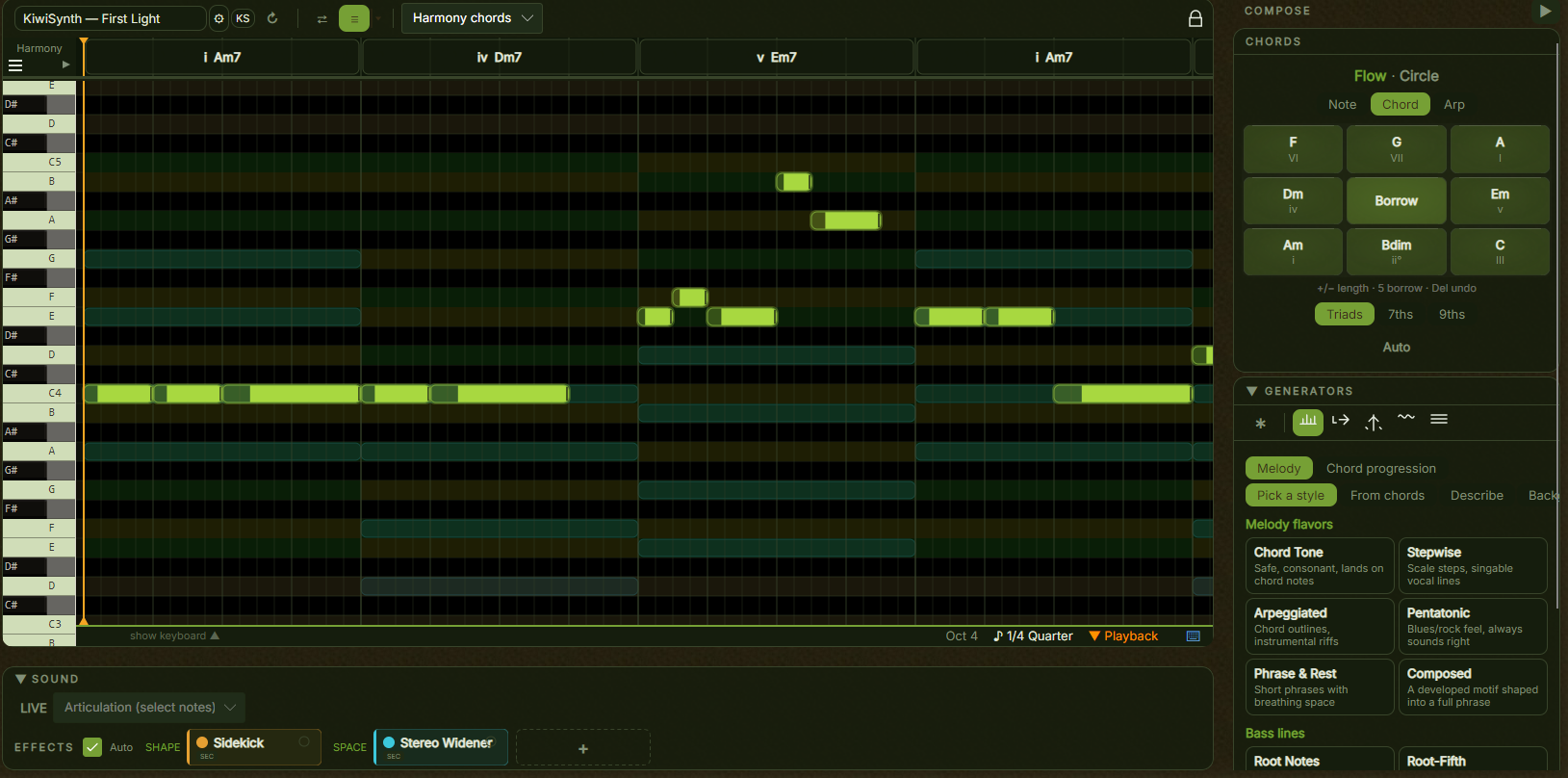
A 48-key piano roll (C3–B6) with 16th-note quantization. The layout follows a piano keyboard, so you can orient yourself right away.
Pick a root note and scale — Major, Minor, Dorian, Mixolydian, and more — and the whole application adapts. The piano roll highlights valid notes, the chord panel suggests chords that fit, and the generators only produce in-key melodies.
You don't need to know why those notes work together. Just that they do.
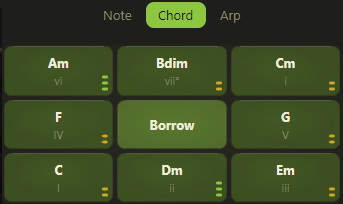
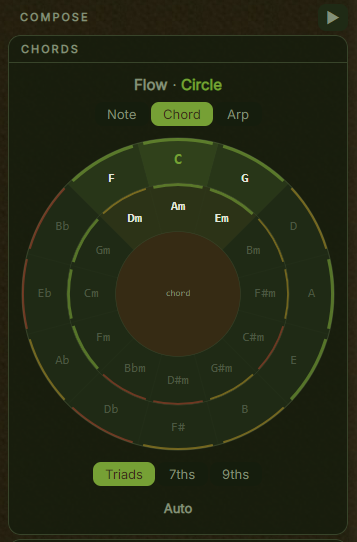
A chord wheel that shows your current key's tonal neighbourhood. Close chords make smooth transitions; distant ones create surprise. Click any chord to hear it or insert it.
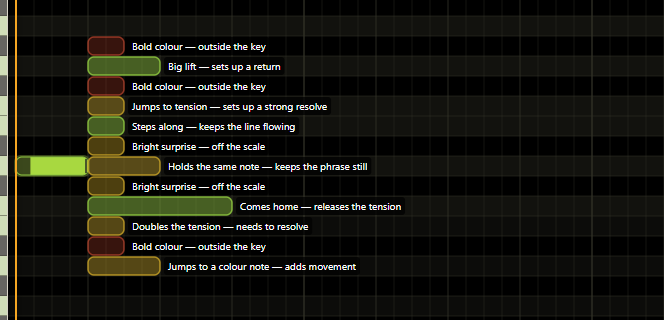
Based on your current key and chord progression, Kiwisonic suggests which chord fits next and which melodic intervals work well. The suggestions panel rates intervals by tension and resolution, so you can make deliberate choices.
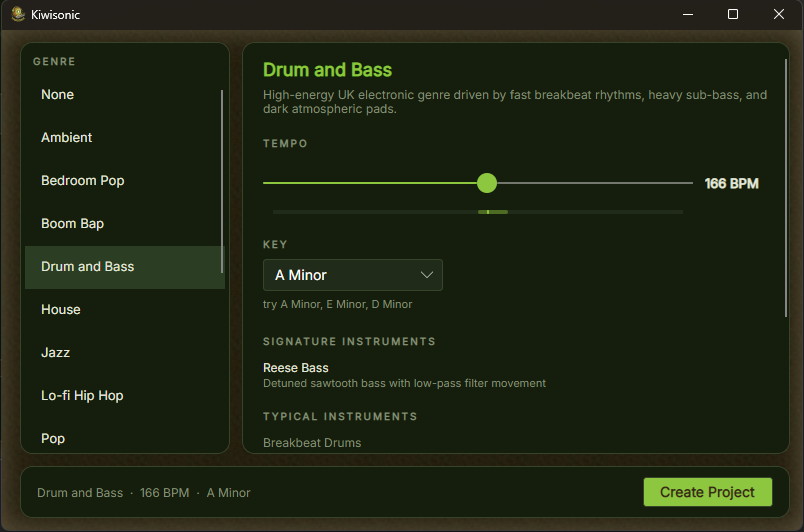
Each genre blueprint defines the scales, chord progressions, melodic tendencies, tempo, and song structure for a style. The generators use this data when choosing chords, shaping melodies, and filling bars. Switch the genre and the same engine produces something that fits a different style.
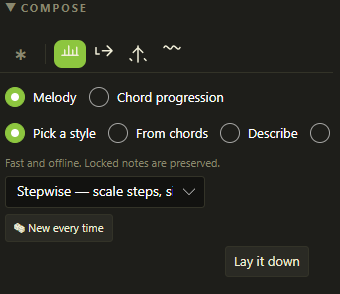
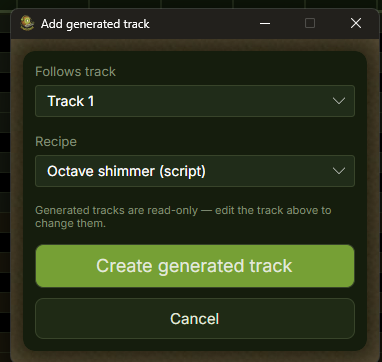
Three generator modes — all key-aware, all genre-aware. Use the output as-is, as a starting point, or as a framework to edit. No music theory knowledge needed.
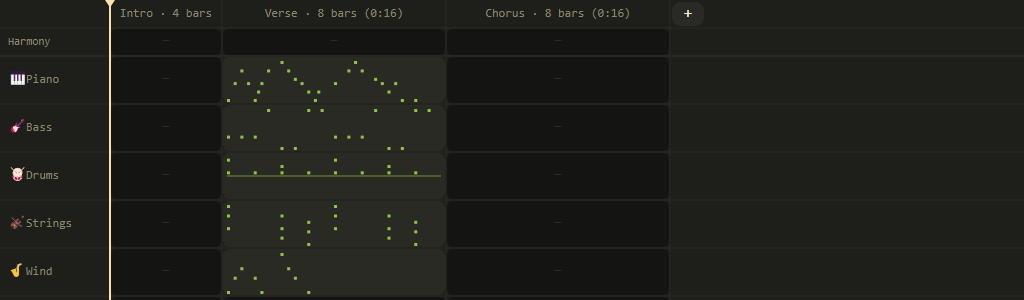
Kiwisonic organises your song into named sections — Intro, Verse, Chorus, Bridge, Outro. Each section has its own pattern per track and its own length in bars. The Arrangement Grid shows your entire song structure at once.
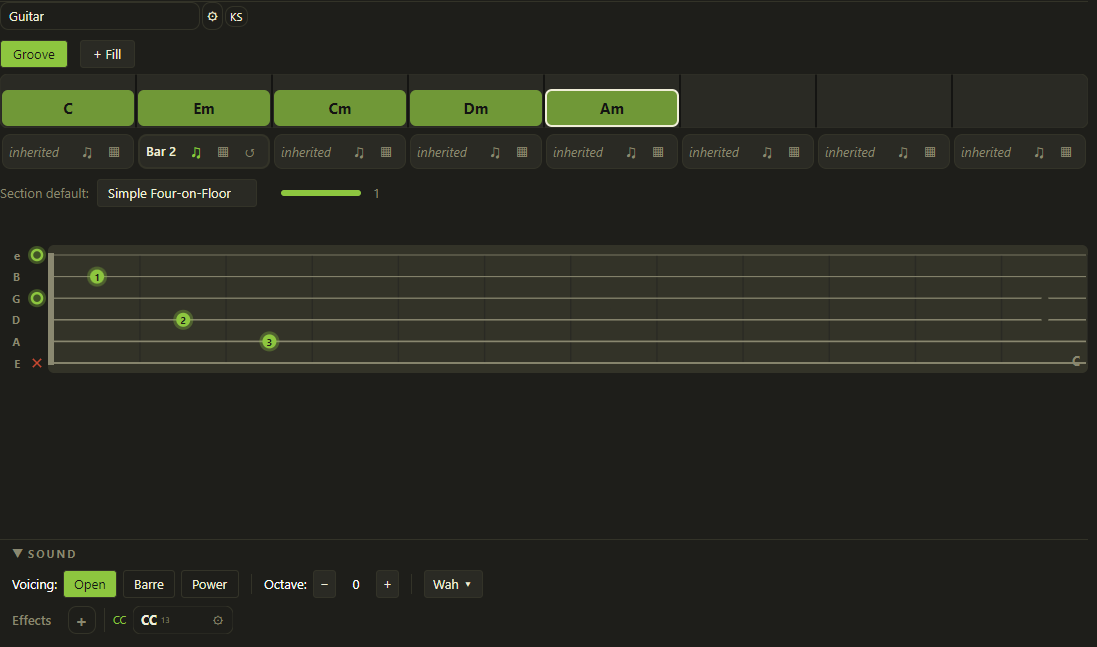
Place chord blocks on a timeline and assign a strum pattern. The Voicing Resolver finds a playable guitar voicing automatically — real fretboard positions, not piano notes at guitar pitch.
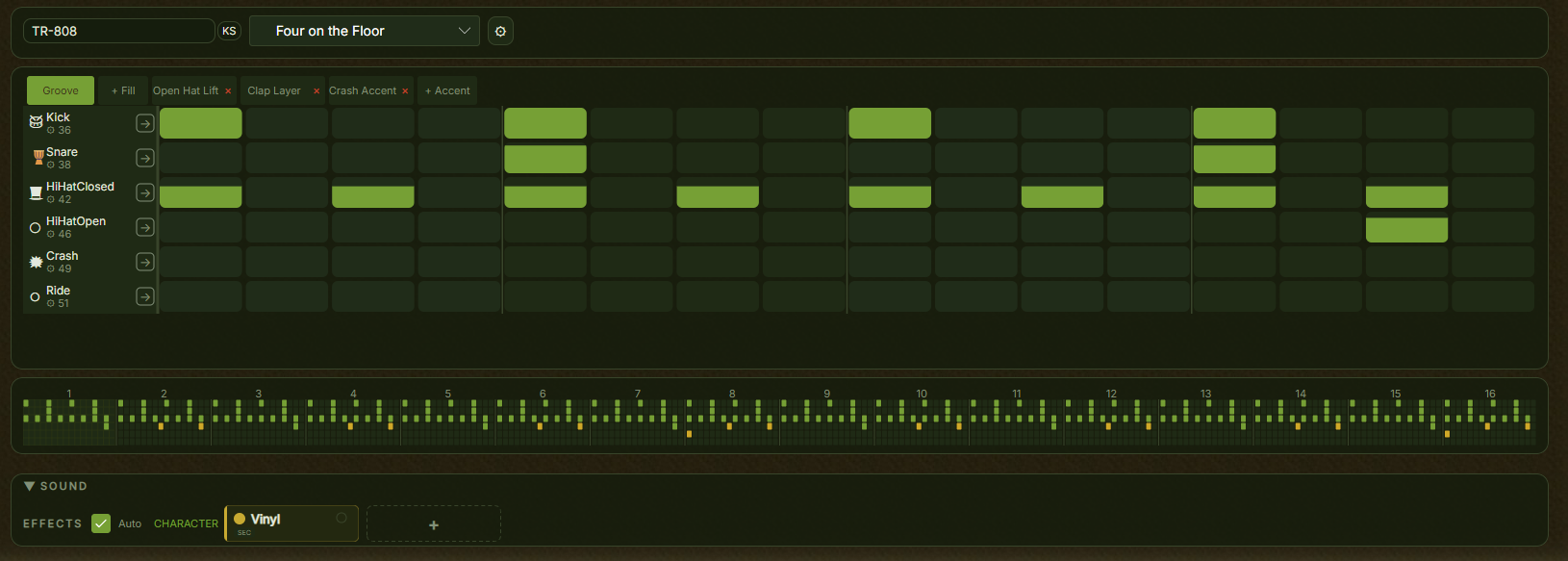
Grid-based drum editor. One row per voice — kick, snare, hi-hat, and more. Click cells to toggle beats, drag vertically to set velocity, remap any row to a different MIDI note.
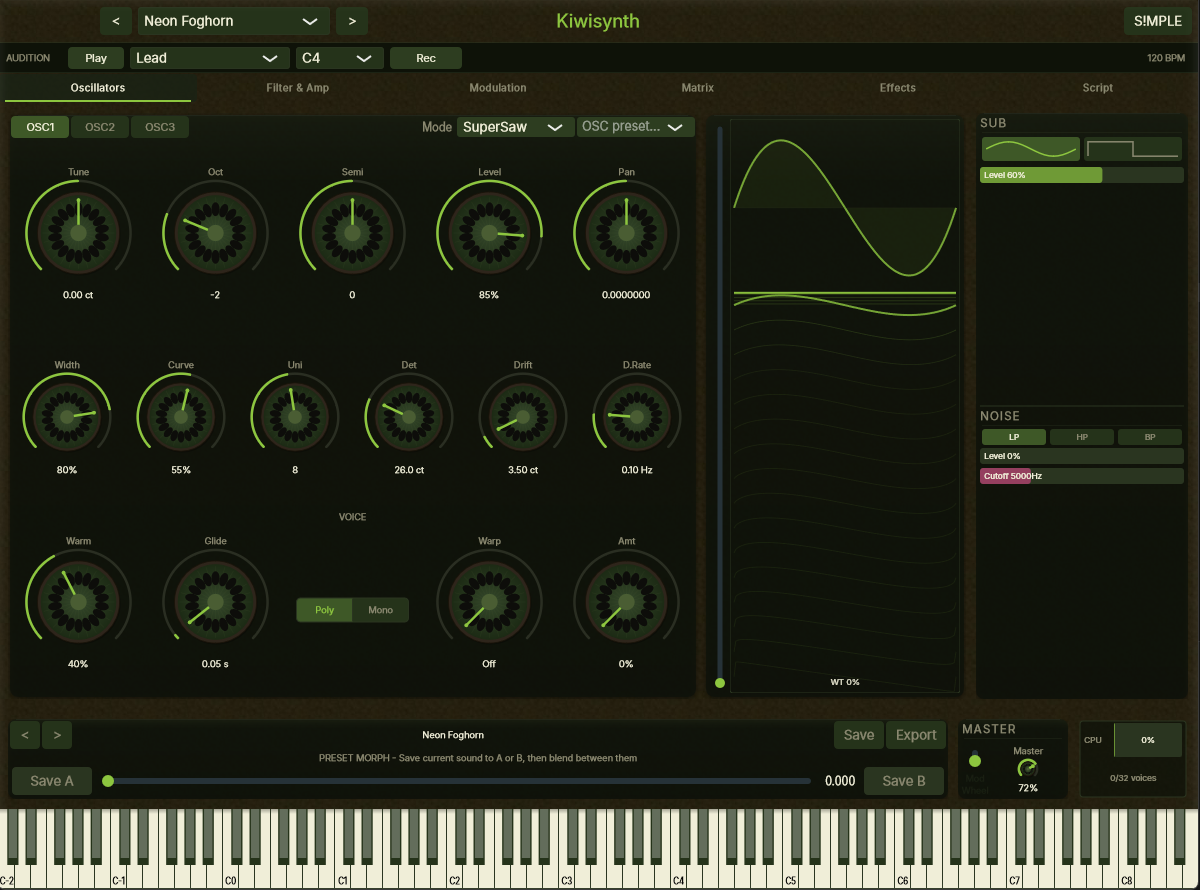
Load SFZ sample libraries — an open format with thousands of free packs available online. Pianos, strings, guitars, synths, and more. VST3 plugin hosting is planned.
The Catalog delivers genre blueprints and curated instruments to Kiwisonic. It gives new users a working setup without requiring any prior knowledge of music production.
Genre blueprints live in the catalog. New styles can be added without an app update, and the format supports community contributions.
A curated directory of free instruments and sound libraries. Hosted entries are downloaded and set up automatically. Third-party entries include installation instructions — once installed, Kiwisonic detects them on the next scan.