Pick the part you need
Take one, or use them all. Nothing here needs the others to be worth having.
 Melody sequencer
Kiwisonic
Write a song without stopping to look things up. The piano roll knows the key, the chord pad shows what fits next, and the whole song is planned against one energy curve, so the chorus arrives bigger than the verse before it. A desktop app: nothing else to buy first.
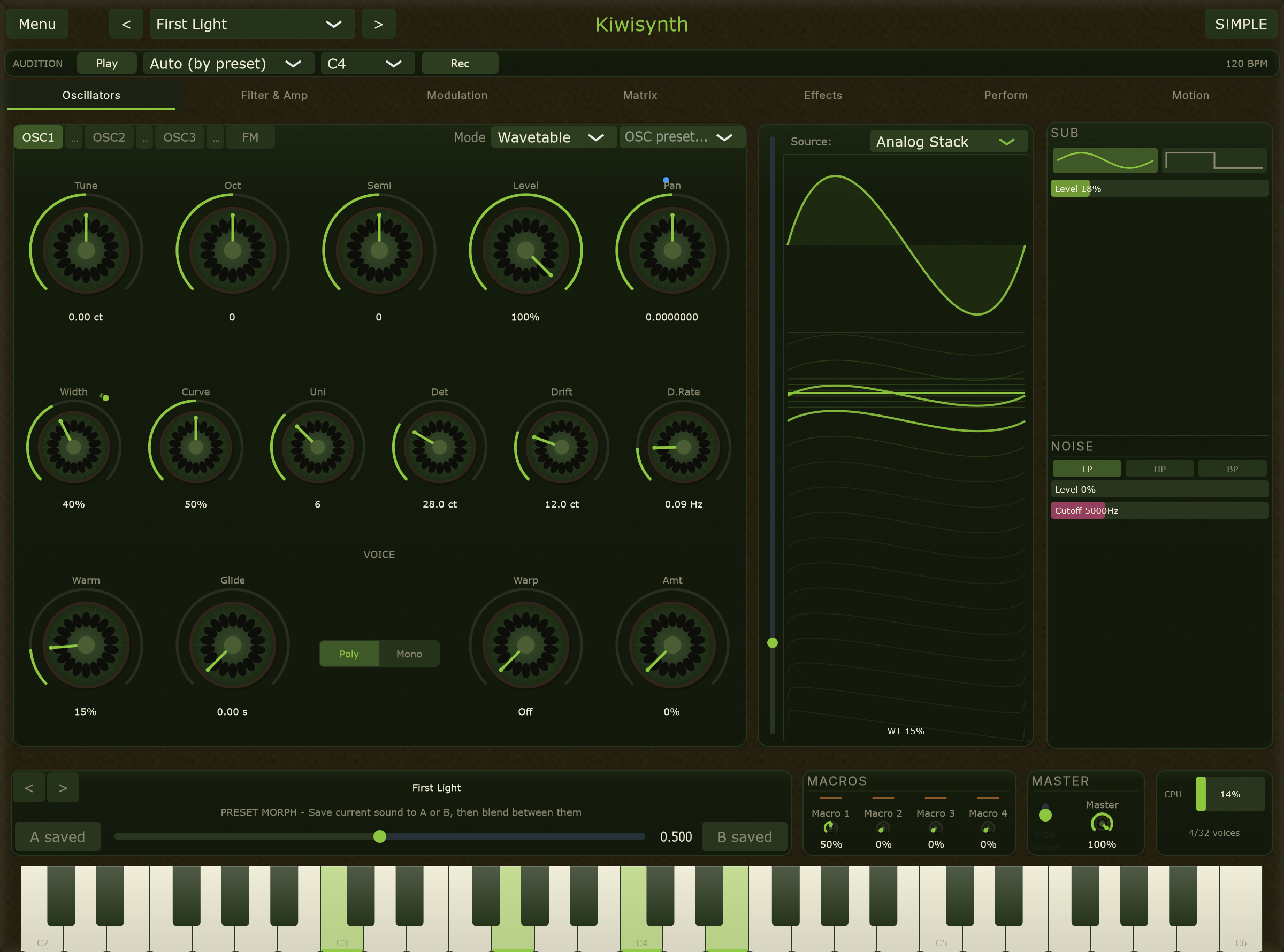 Wavetable synth
Kiwisynth
A synth that is already moving before you patch anything. Every note gets warmth and a bloom that fills out while it is held, so movement is where you start rather than what you build. Underneath sits a scripting language that reads the chord under your fingers and answers in the right notes.
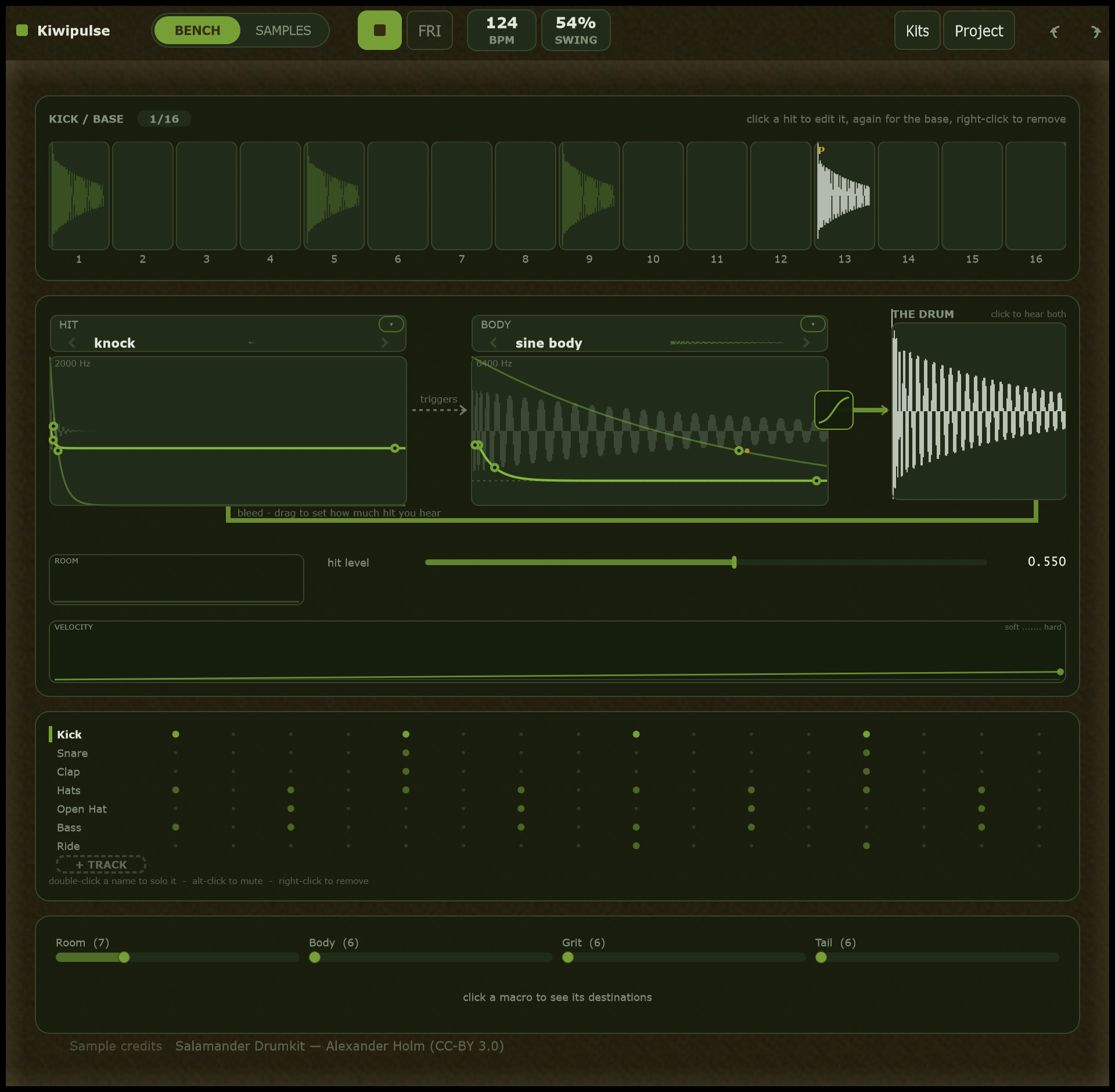 Drum designer
Kiwipulse
Drums where no two hits have to be the same. Any parameter can be locked to a single step, including what strikes and what rings, so step 13 gets a rod instead of a beater and it is still the same drum. Nothing is set by a fader and a number: you draw the sound.
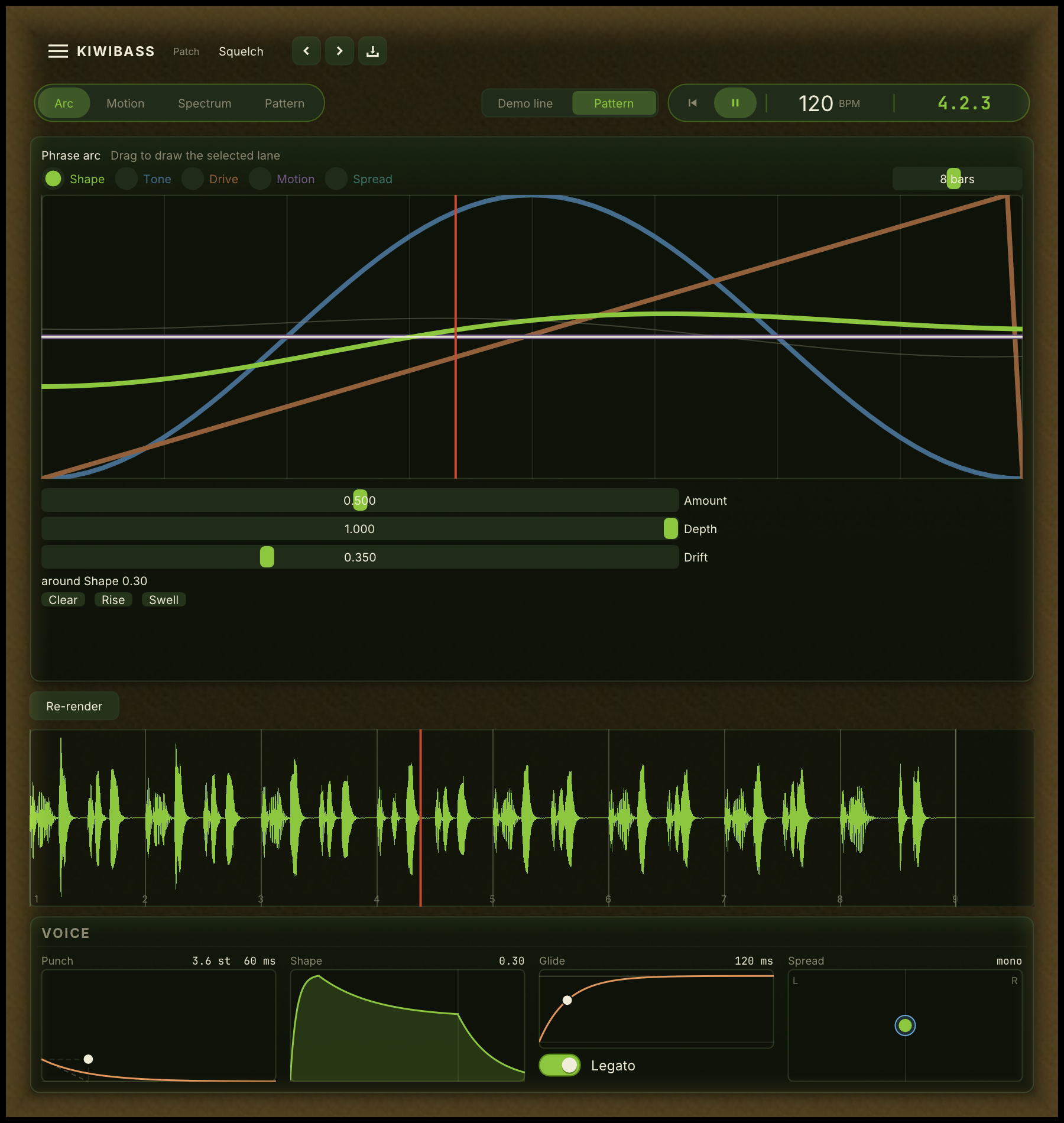 Bass instrument
Kiwibass
A bass you design as a phrase rather than a note. Draw how the sound opens and closes across up to sixteen bars, and a wander keeps each pass from repeating the last while a bounce still matches what you heard. The sub underneath stays mono, whatever you do above it.